

Deadlines that plan the week
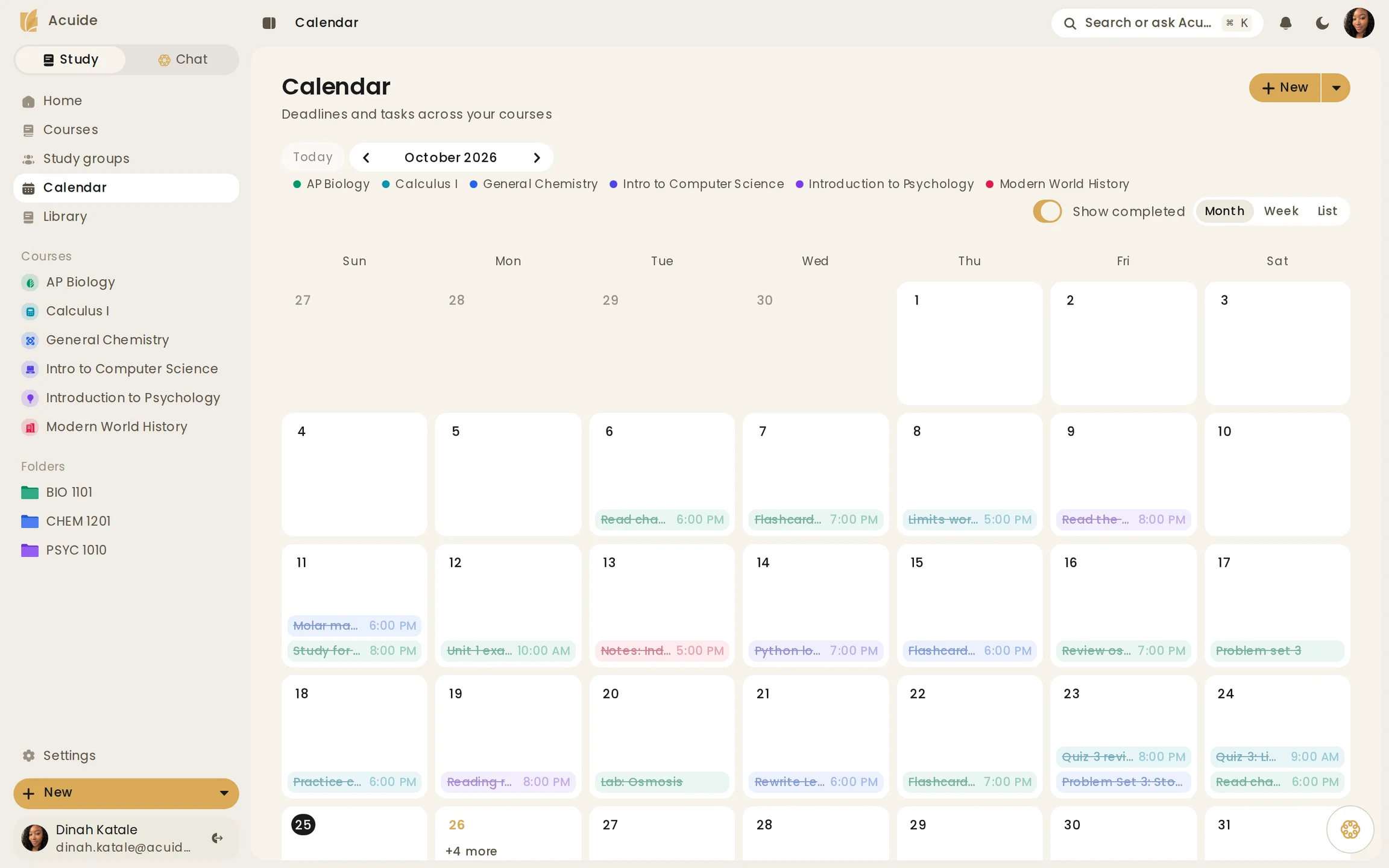
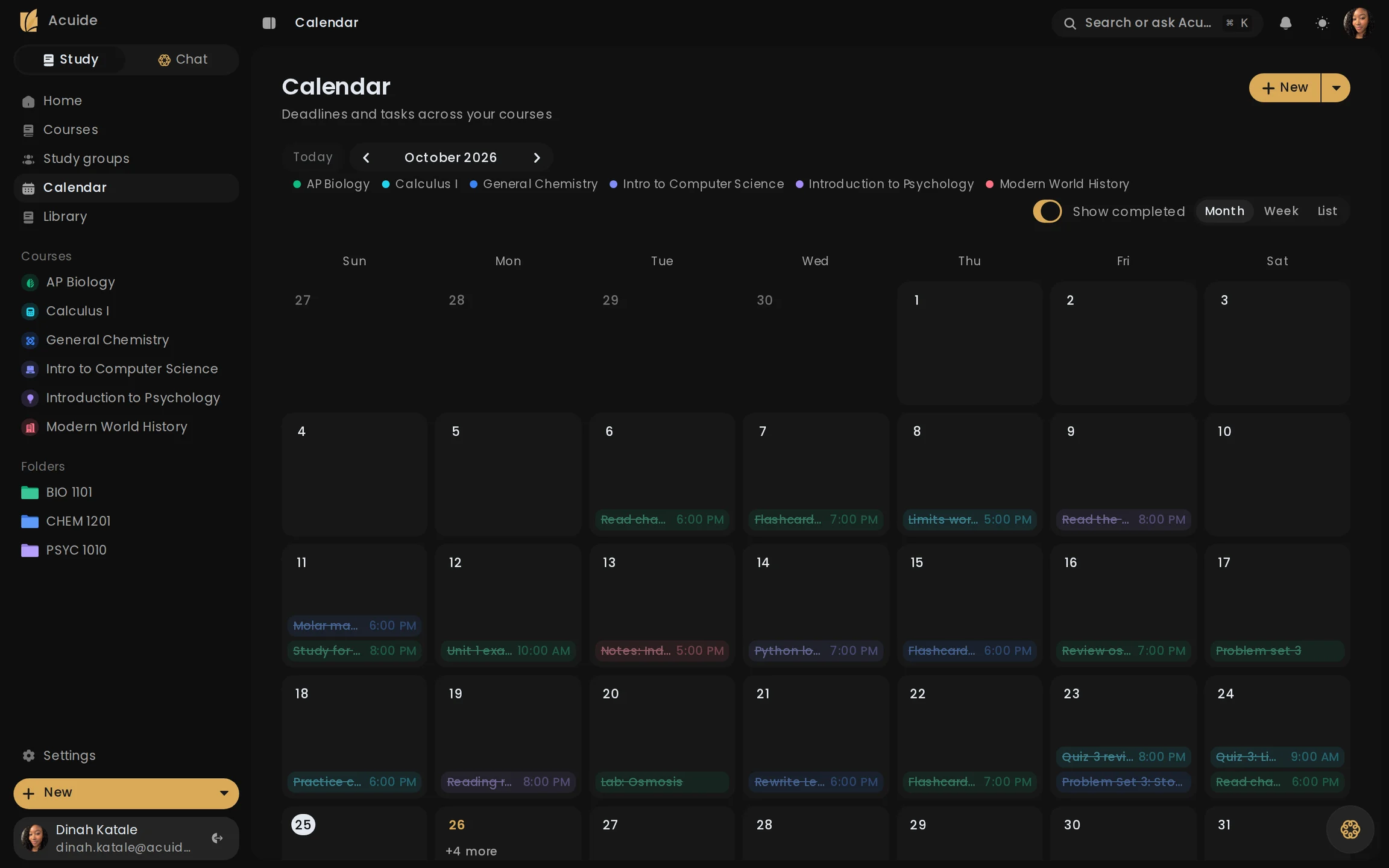
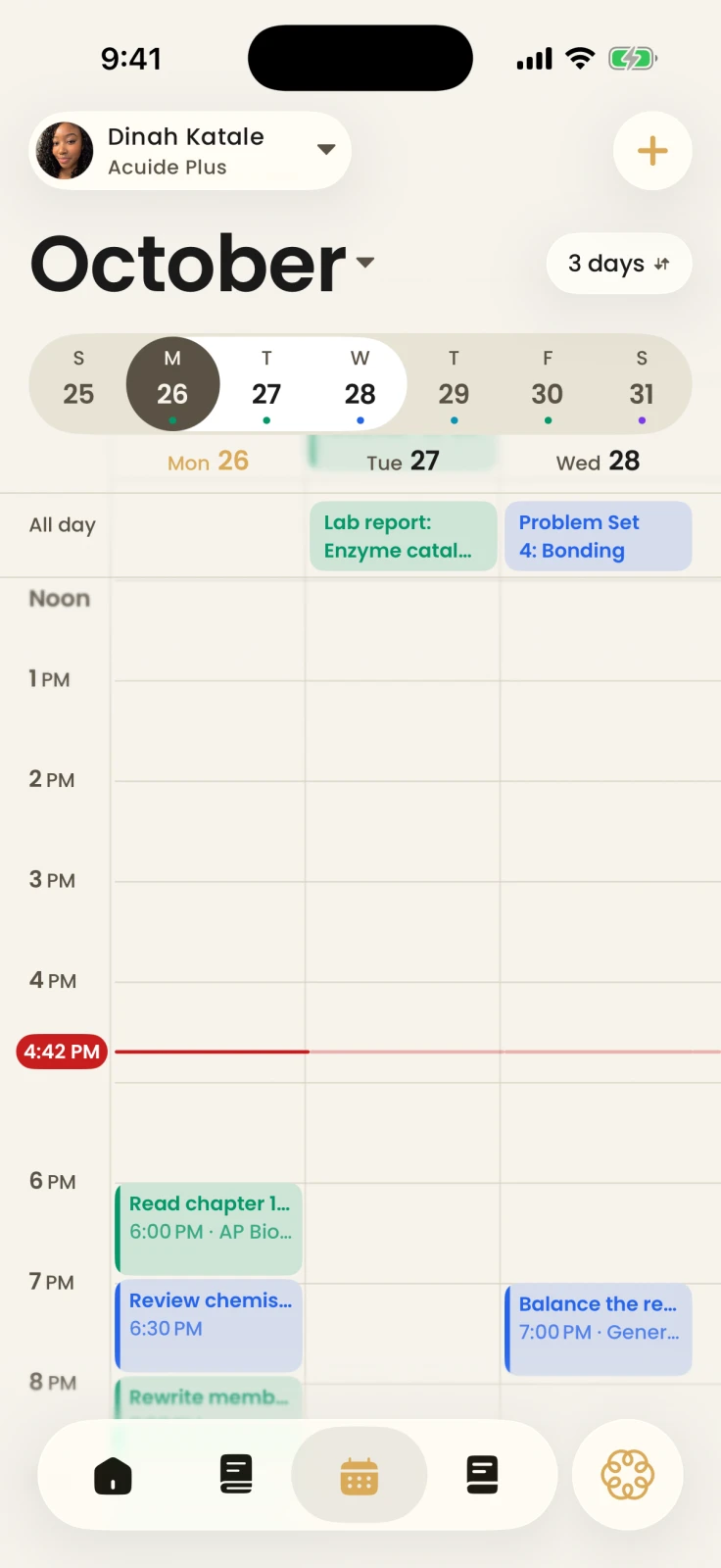
Homework, exams, and study tasks share one calendar beside your courses, on the web and on iPhone. Google Classroom assignments can arrive on their own, read-only.
Acuide turns your notes, files, and deadlines into one plan for today, then tracks what you actually know.
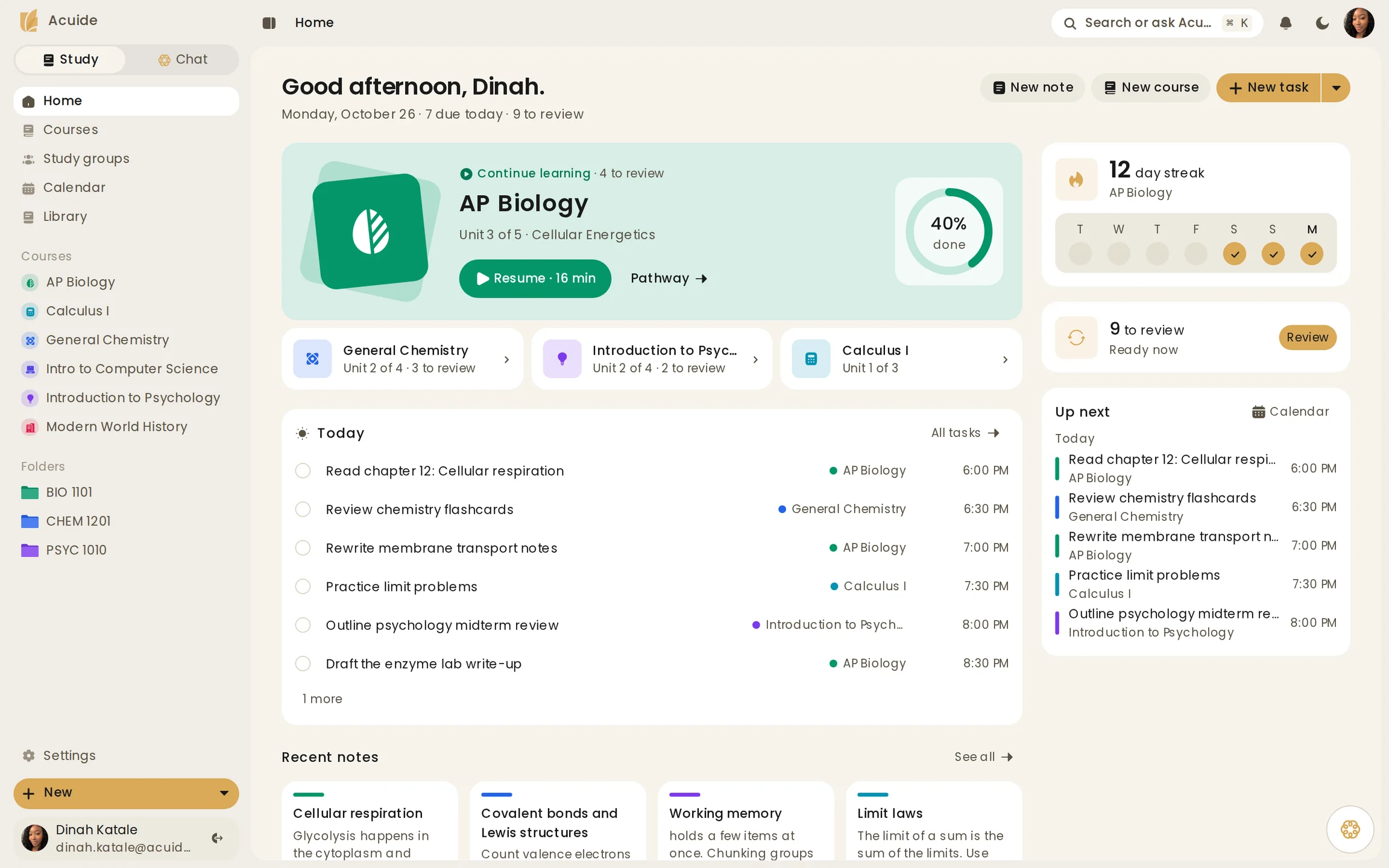
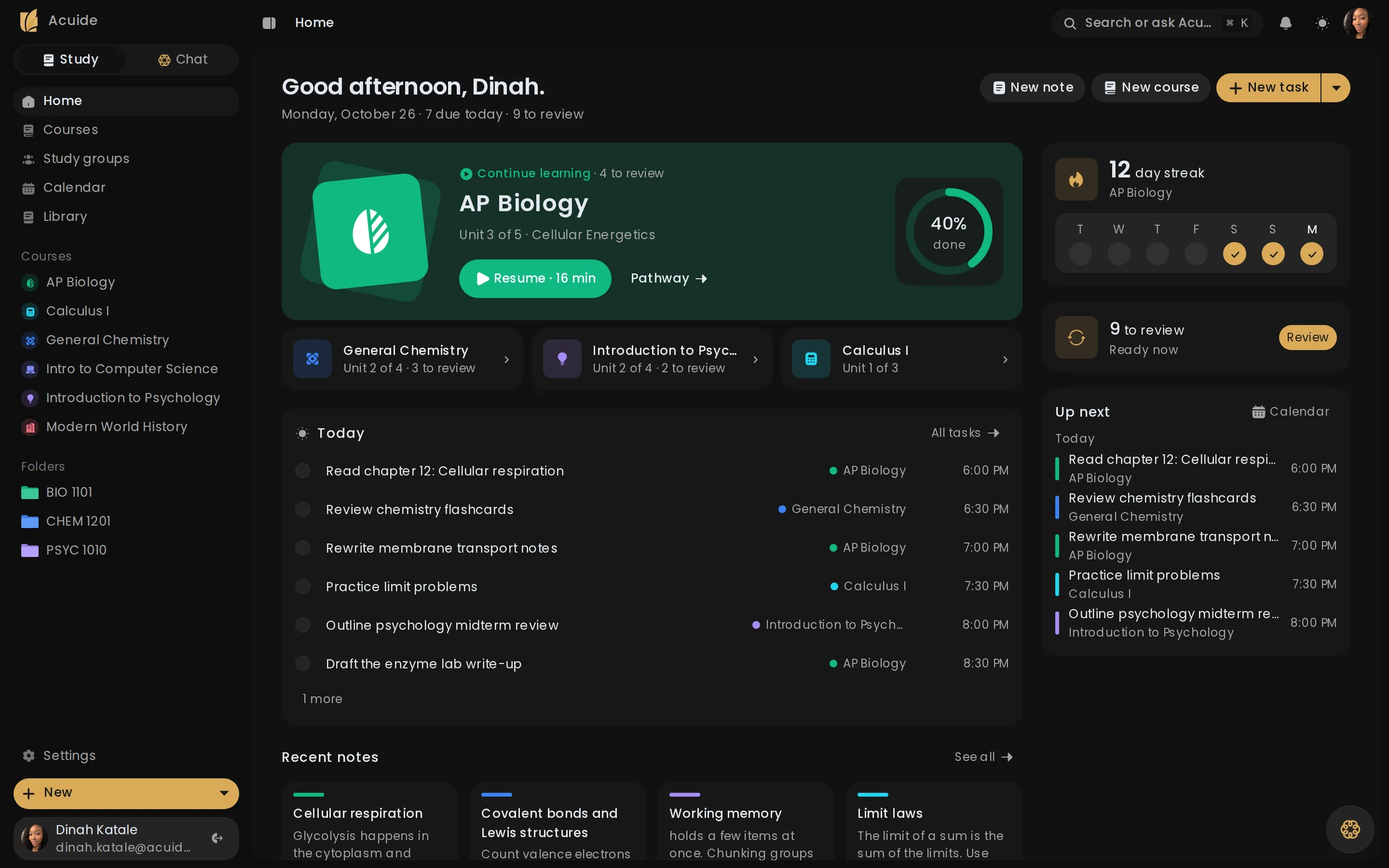
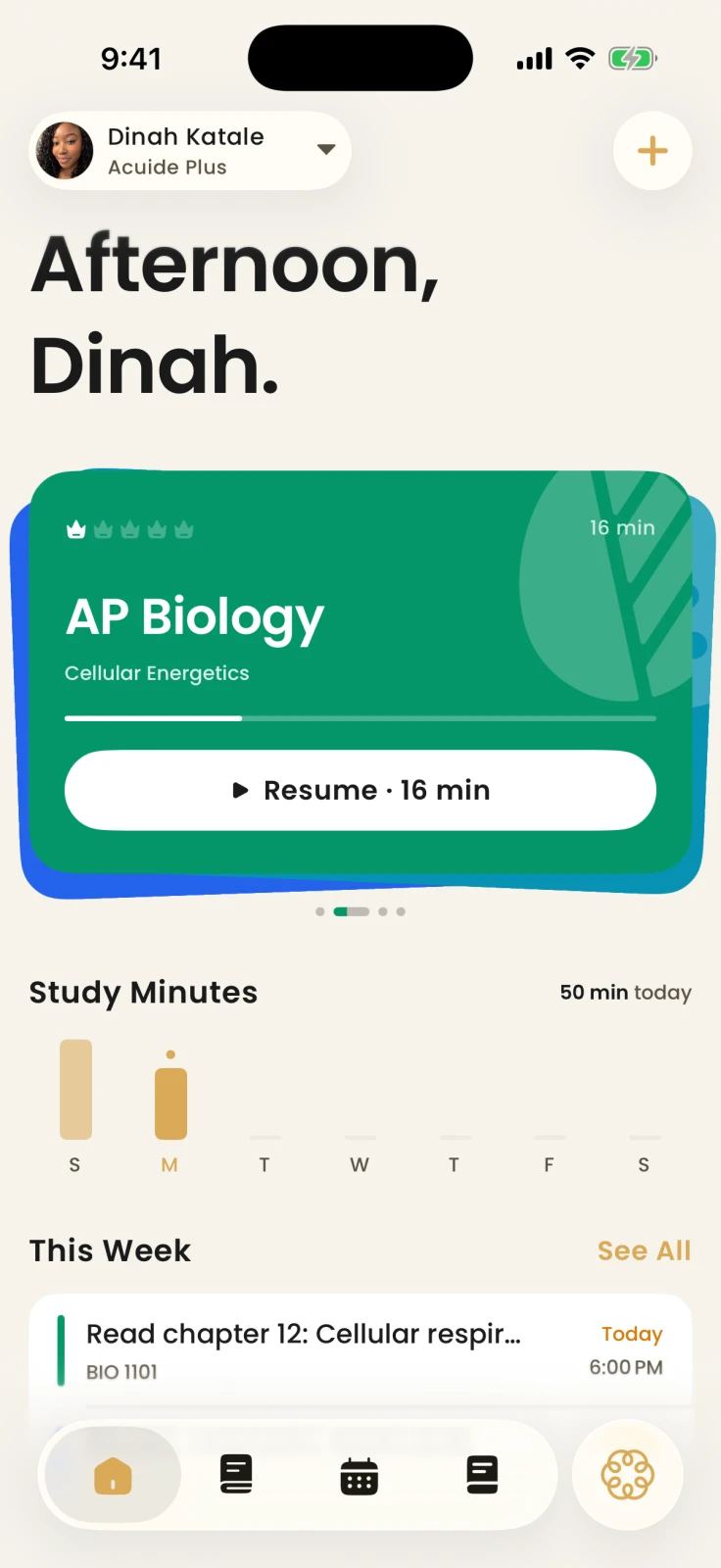
Acuide pulls it back into one plan, built from your own material.
The iPhone app and the web app share one account and one plan. The web app is catching up to the iPhone app.
Homework, exams, and study tasks share one calendar beside your courses, on the web and on iPhone. Google Classroom assignments can arrive on their own, read-only.
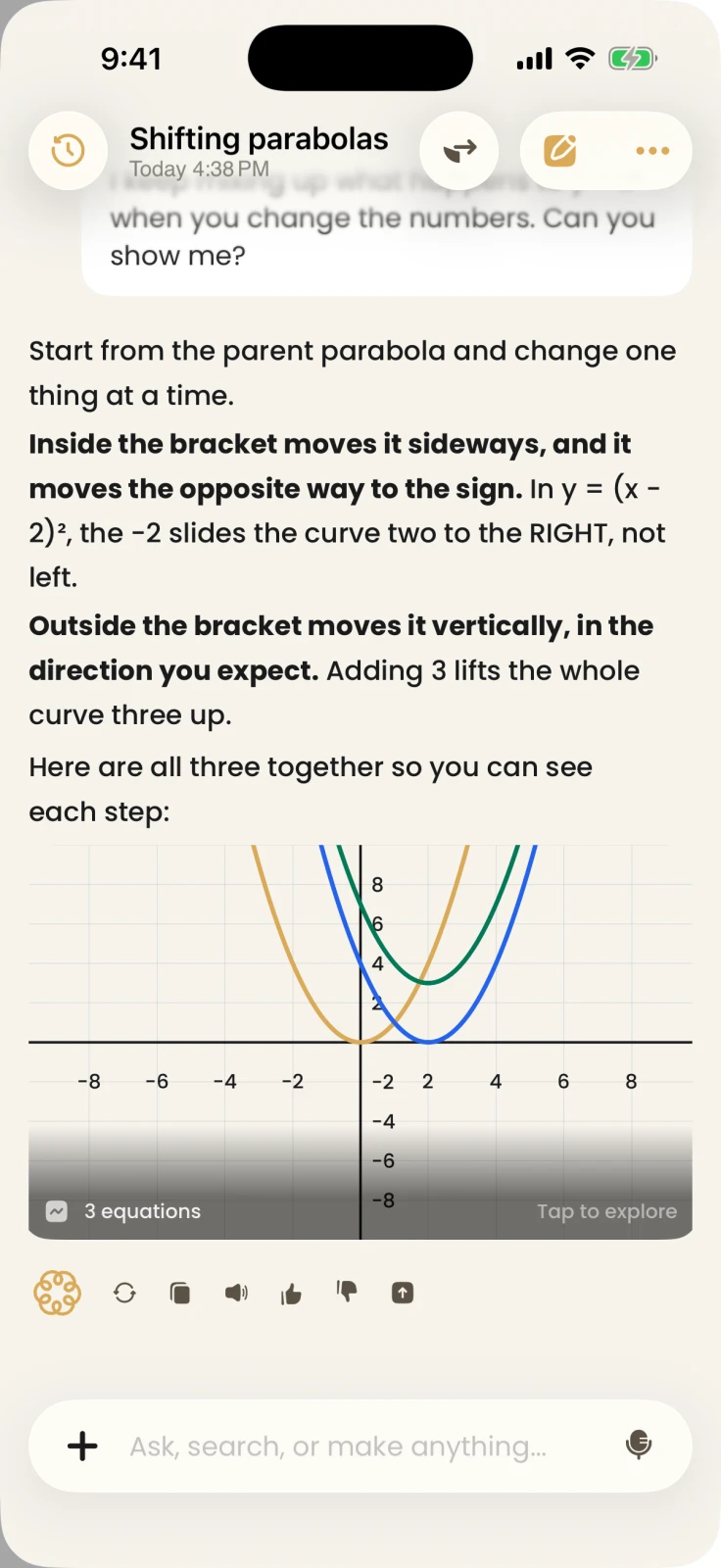
Answers come from your material, in words or as a graph.
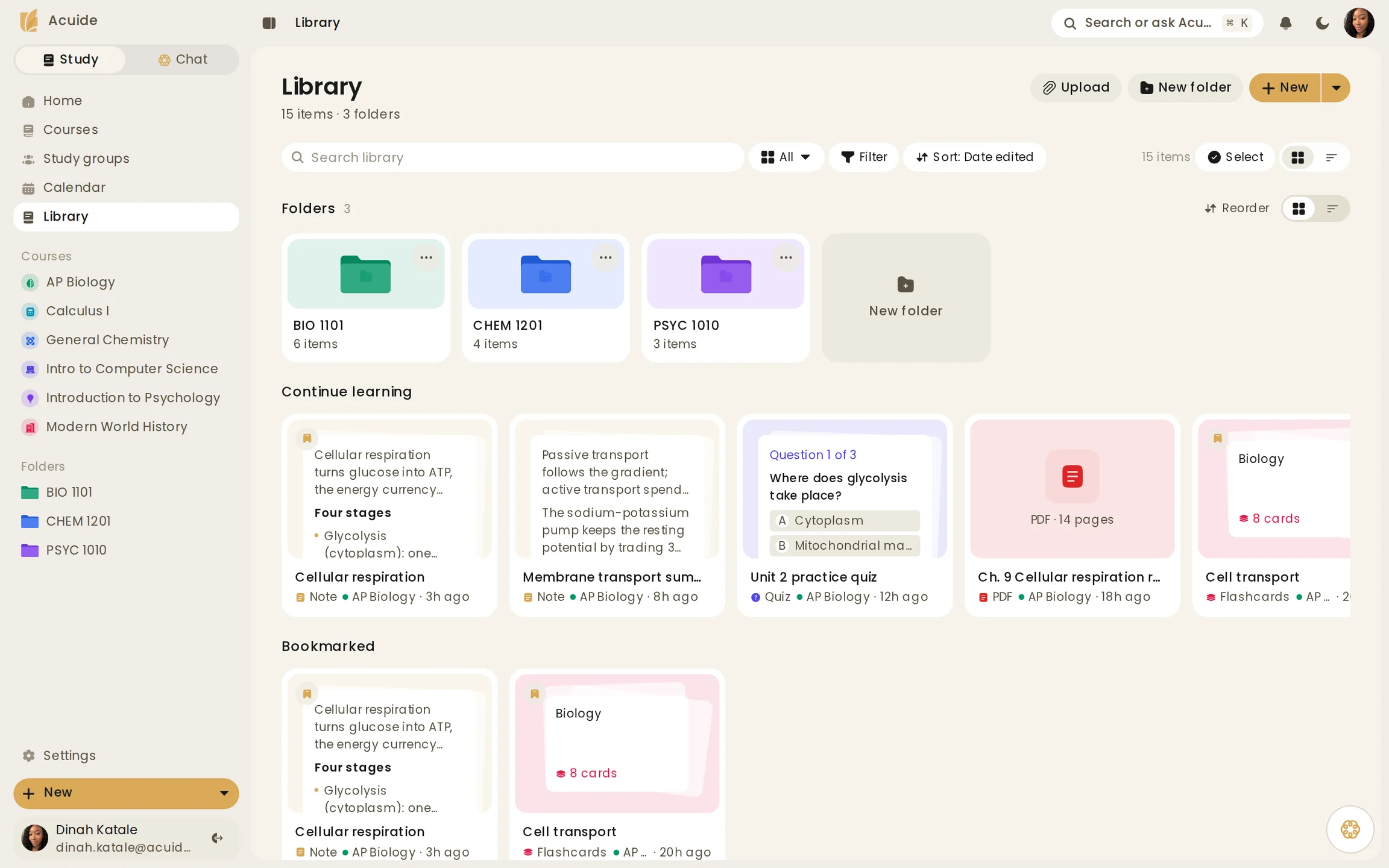
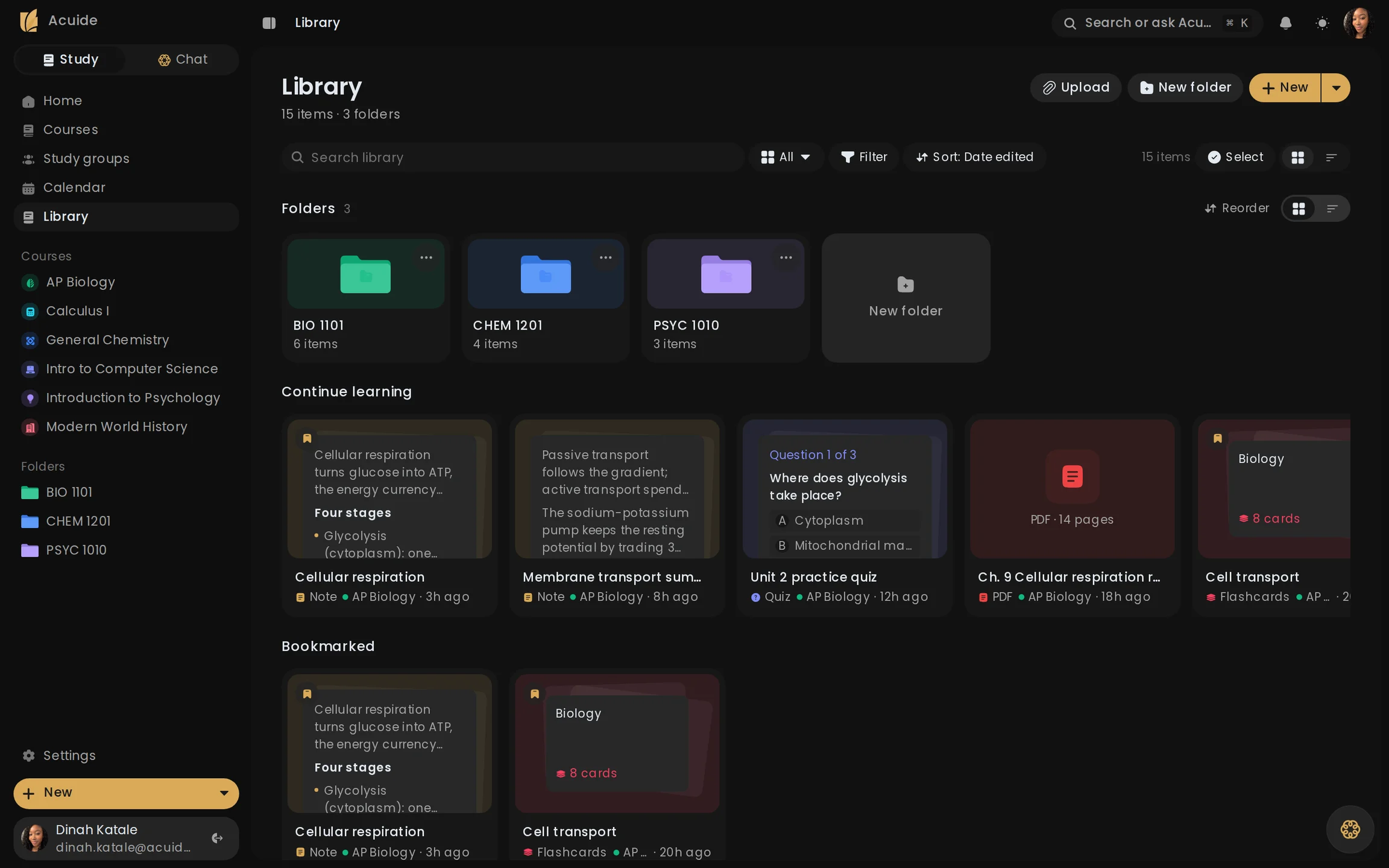
Notes, decks, quizzes, and PDFs stay grouped by course, ready to reopen when time is short.
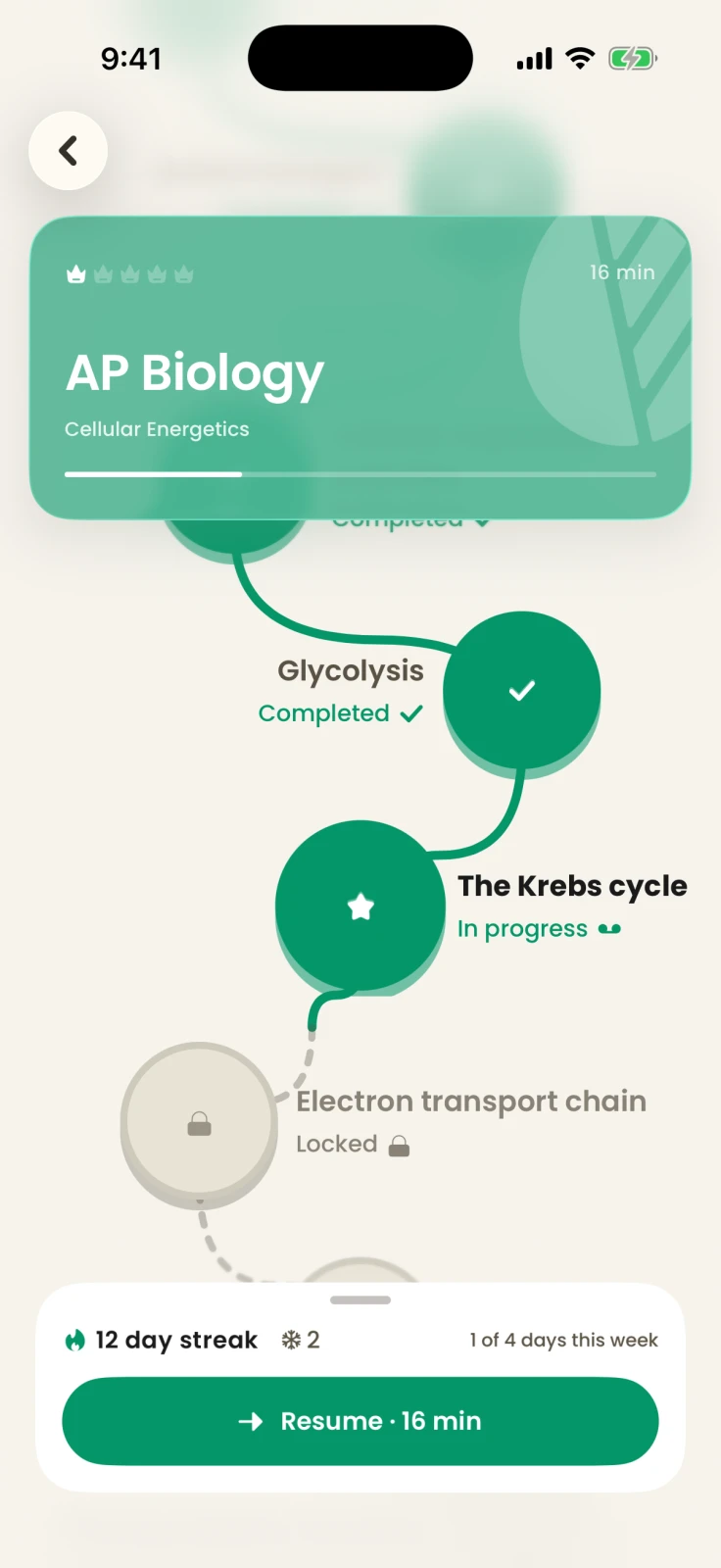
Each course becomes a path: what is done, what is in progress, and what opens next. Only answers you give on your own count.
Practice does more than score an answer. It gives the next review something specific to repair.
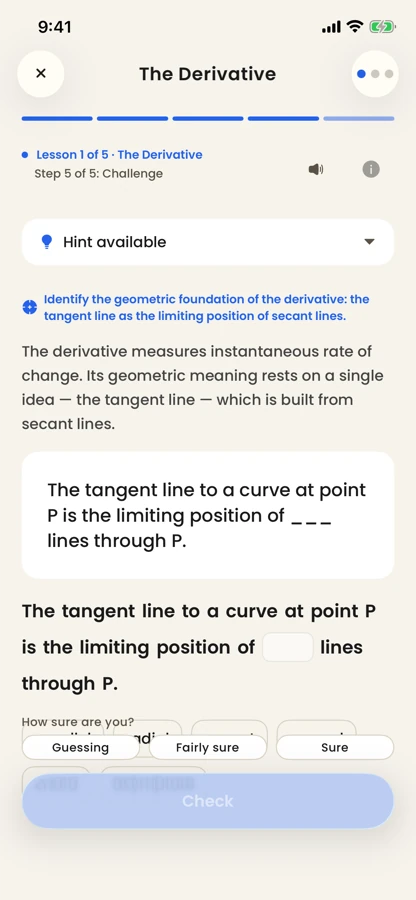
Acuide turns your material into a focused lesson, taught one step at a time.
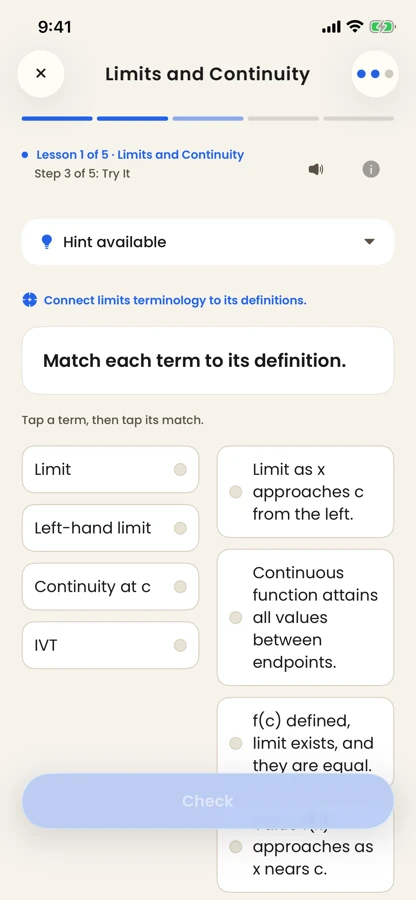
Exercises ask you to retrieve and apply the idea from memory instead of rereading it.
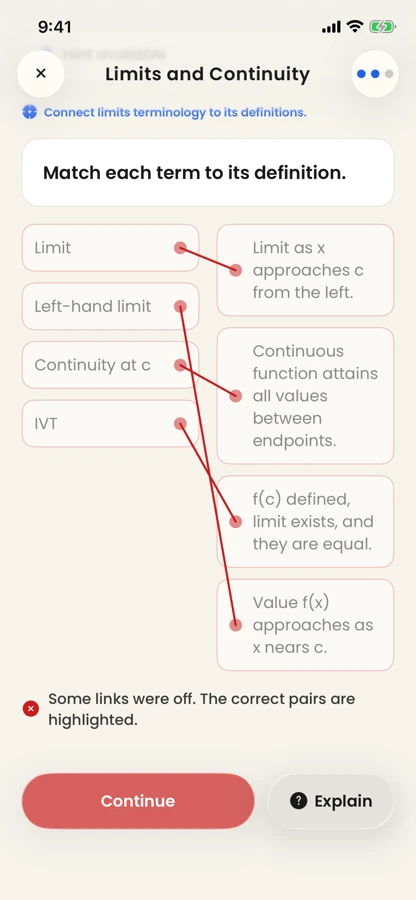
A wrong answer is kept, not just scored. Acuide pinpoints where your understanding broke down.
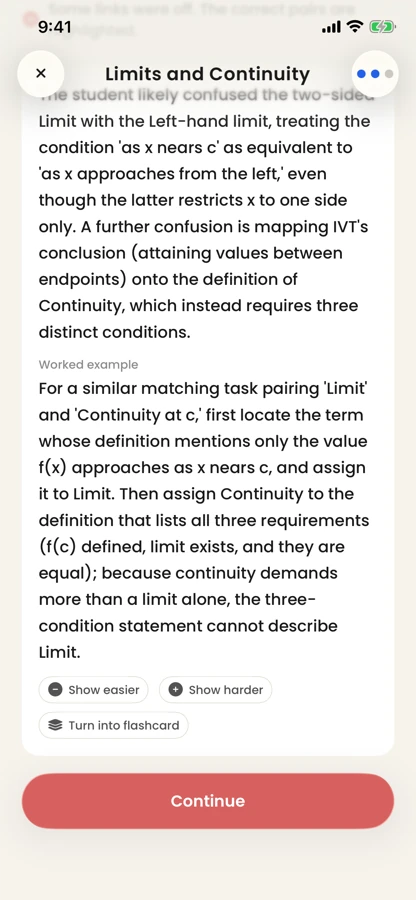
The mistake gets a worked example, and the concept returns in later reviews.
Acuide is a native iPhone app. Capture a page between classes, review a deck on the bus, and pick up on the desktop at home.
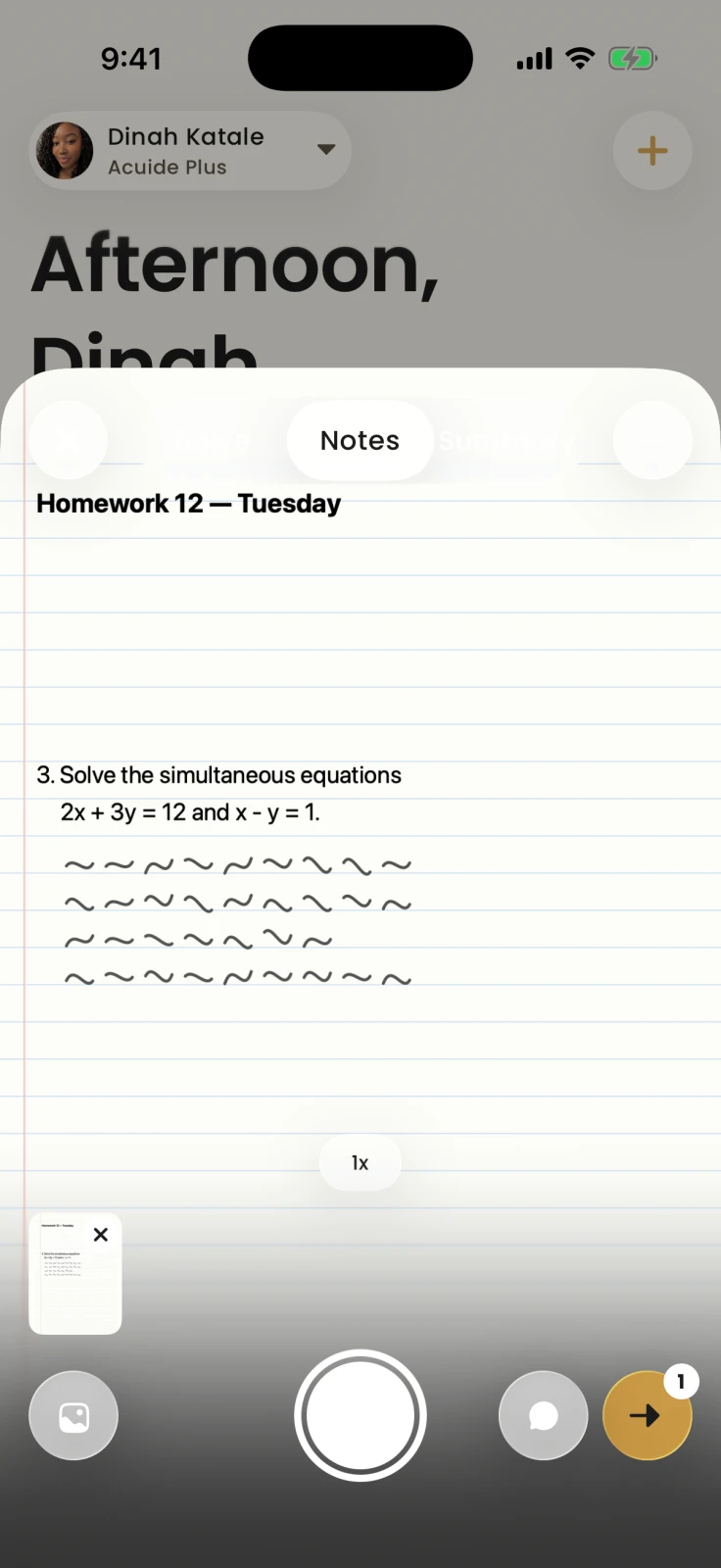
Point the camera at a page you wrote by hand and Acuide reads it back as a note you can study, quiz, and review.
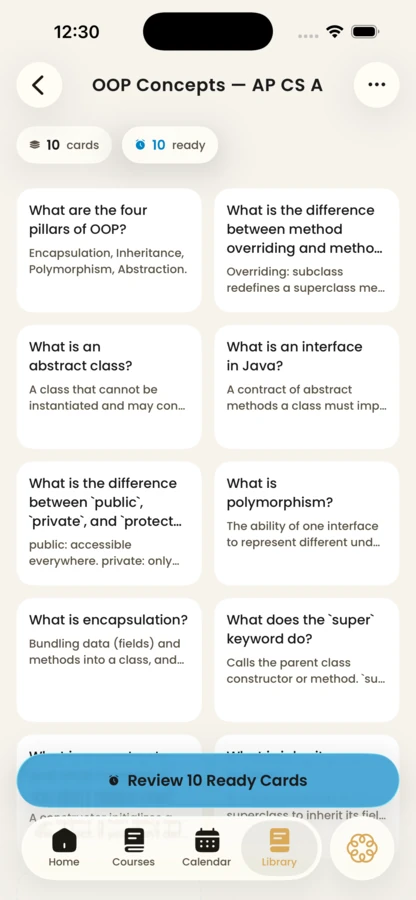
Decks are built from your material, and each card comes back when it is due for review.
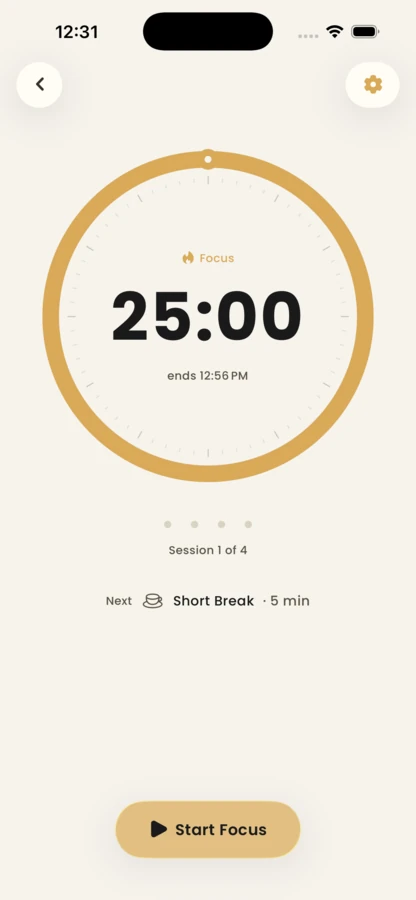
A focus timer paces studying into sessions and breaks, and every finished minute counts toward your streak.
Placeholder copy while Acuide is pre-launch: these are sample quotes, not real endorsements.
I stopped rereading my notes and started getting quizzed on them. The concepts I keep missing come back until they stick.
It builds the lesson out of my own lecture notes, so I am not studying someone else's version of the course.
The schedule puts my deadlines beside the study I actually planned, which is the part I could never keep in my head.
I photograph a page of handwriting and it comes back as a note I can actually revise from.
Getting a wrong answer explained, instead of just marked, is the bit that changed how much I remember.
Every course keeps its code, so I can find the right one without reading four similar names.
The pathway shows me what is finished and what opens next, so I stop deciding what to study and just study.
Asking it something mid-revision and getting the answer graphed saved me opening a separate calculator.
Flashcards turn up on the day they are due rather than whenever I remember the deck exists.
It reads my material rather than the internet's, so the examples match what my lecturer actually said.
The focus timer counts toward the streak, which is a small thing that keeps me sitting down.
My study sets sit next to the course they belong to, so nothing gets lost in one enormous list.
The short version on launch timing, pricing, what happens to your material, and how far to trust the AI.
Acuide is not on the App Store yet. This page will be updated when that changes; there is no date to announce.
Pricing has not been decided. Nothing on this page is a pre-order or an offer.
Your notes and study sets sync through Acuide's backend, and AI features process the material you attach in order to build lessons, quizzes, and answers from it.
AI output can be inaccurate. Acuide grounds study content in your material and exercises changes against an evaluation suite, but you should check important details against your source.
Google Classroom, with read-only access to your own courses, coursework, and submissions; Acuide never writes to Classroom and never sees other students' work. Canvas, Brightspace, and StudentVUE connections need your school or district to approve Acuide first, so the app records your request and Acuide approaches them. Acuide never asks for your school password.
iPhone running iOS 26 or later, where Acuide is a native Swift and SwiftUI app. There is also a web app at app.acuide.com for studying on a computer with the same account; it is catching up to the iPhone app, so a few features are iPhone-only for now.
Questions about Acuide? We read every message.
support@acuide.com


